
Add Scripts
The following assumes an instance with Allium has already been created. This can be done using your favorite game launcher (Prism, MultiMC, the Vanilla launcher, etc.)
If it doesn't already exist in the instance folder, create the allium directory, and put all desired scripts in there.
Screenshot
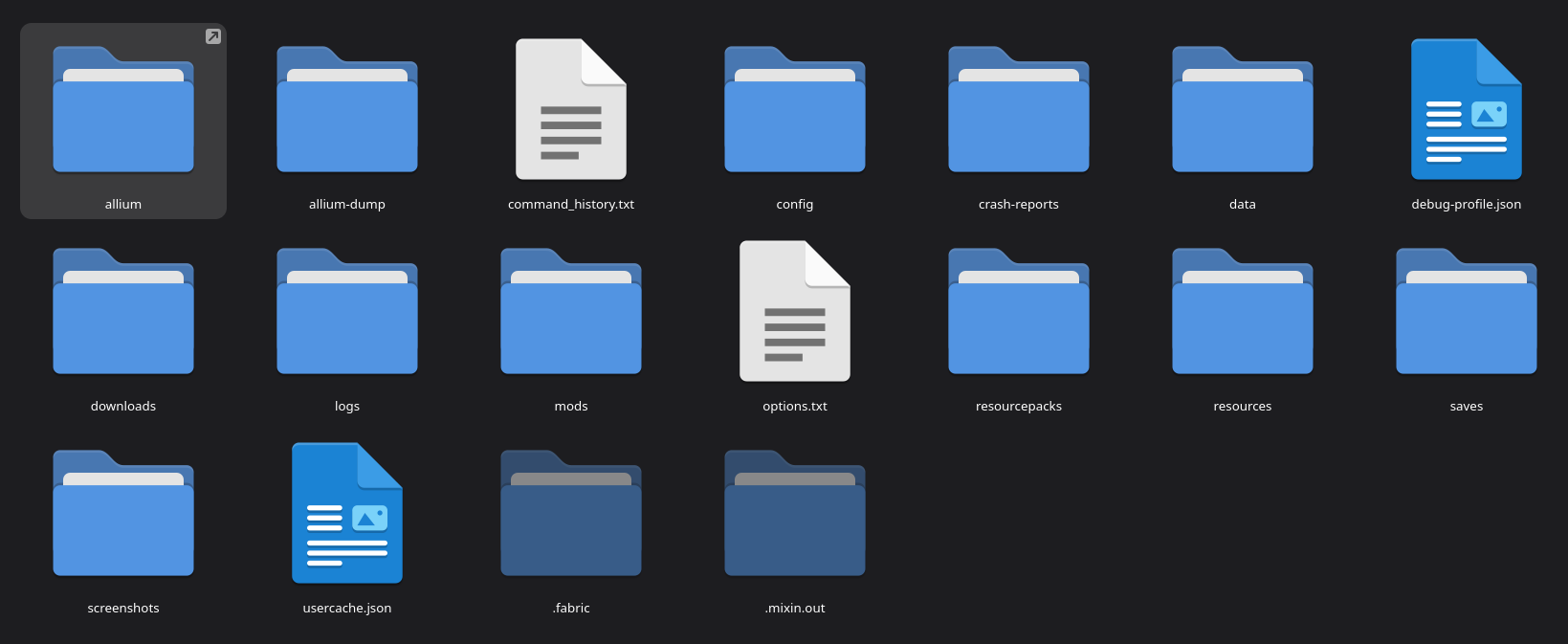 An example of the usual game instance with Allium
TIP
Scripts are generally be distributed as zip archives, much like the standard resource and data packs. And much like the standard resource and data pack, scripts can be decompressed, and will run just as well. This is useful for debugging and modification purposes.
WARNING
Scripts are not sandboxed and can do functionally the exact same things that standard Java mods can do. This also means that if they are malicious, they can do the exact same damage that a malicious Java mod could do. Please be careful and treat all scripts (and mods for that matter) with a level of discern.